
How to Run a Productive Retrospective Meeting (Free Templates)
Learn how to run an effective retrospective meeting, then grab a free retrospective meeting template in Excel, Word, or Google Docs to keep your team improving.

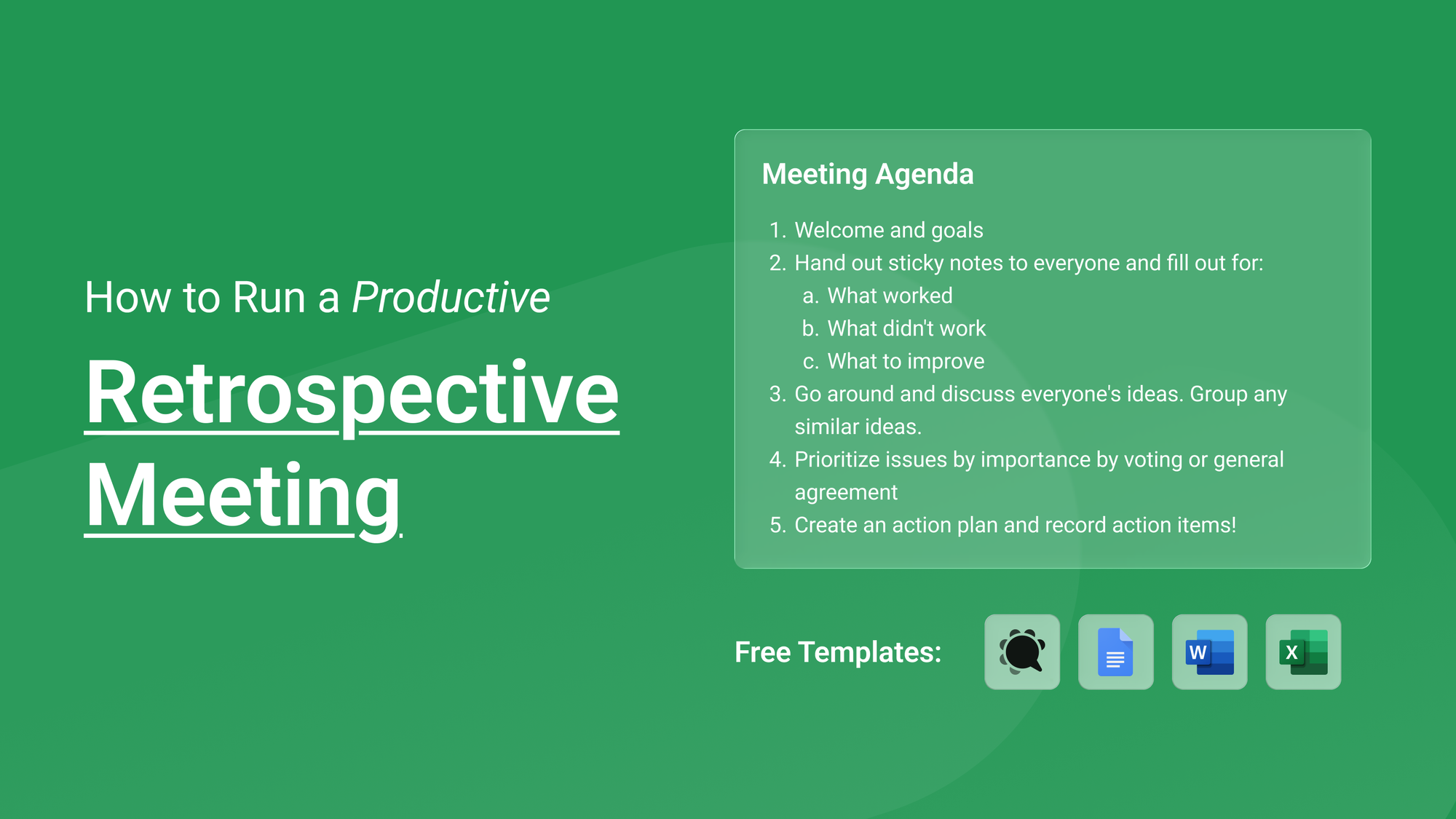
This week we're looking at retrospective meetings: the Agile ritual that separates teams that improve over time from teams that keep making the same mistakes. A good retrospective turns a sprint's worth of frustrations and small wins into concrete improvements for the next one. A bad retro turns into a 90-minute gripe session with no follow-through. Below we'll cover what a retrospective actually is, how to run one well, and we'll walk you through a free, ready-to-use template (in Knowtworthy, Word, Excel, and Google Docs) so your next retro produces real change instead of just venting.
TL;DR: A retrospective is a relatively short, recurring Agile meeting where the team reflects on the last sprint — what worked, what didn't, and what to improve — and commits to a small set of action items. Keep it time-boxed, make it blameless, and always leave with owned next steps. Grab a free retrospective meeting template below to run yours.
What is a Retrospective Meeting?
A retrospective is a regularly scheduled team meeting where everyone pauses to discuss what is working well, what needs improvement, and how that improvement can actually be brought about. In the Agile framework it's the dedicated checkpoint for continuous improvement — the moment the team inspects its own process rather than the product.
The idea is baked into Agile from the start. The twelfth principle of the Agile Manifesto says that at regular intervals the team should reflect on how to become more effective and then tune and adjust its behavior accordingly. The retrospective is simply the formal home for that reflection. In Scrum specifically, the Sprint Retrospective is one of the five core events, and the Scrum Guide describes its purpose as planning ways to increase quality and effectiveness by inspecting how the last sprint went across people, interactions, processes, and tools.
Crucially, a retrospective is not a status update and it's not a sprint review. A status update — like a daily standup — keeps everyone aligned on who's doing what day to day. A sprint review looks outward at the product increment and invites stakeholders; our weekly sprint meeting template covers that review-and-plan function. A retrospective, by contrast, looks inward at how the team works together and is usually limited to the core team so people feel safe speaking honestly.
What is the main goal of a Retrospective Meeting?
The single goal of a retrospective is continuous improvement and to turn lessons from the last sprint into changes the team will actually make in the next one. Engaging in high-quality retrospectives is what takes a team from good to great: when the issues a team faces are surfaced and addressed every sprint, quality compounds across the board.
To get there, a productive retro typically aims to:
- Surface what went well, so good practices get reinforced and repeated.
- Surface what didn't, without blame, so problems get named instead of festering.
- Prioritize the issues that matter most, since you can't fix everything at once.
- Produce a small set of action items with clear owners.
That last point is where most retrospectives live or die. As Atlassian notes in its retrospective playbook, the whole exercise depends on psychological safety and a blameless culture — the focus should be on improving the system, not on assigning fault to people. A retro that only generates discussion, and never converts it into owned meeting action items, tends to feel good in the room and change nothing afterward.
When should you schedule a Retrospective Meeting?
In Scrum, the retrospective happens at the very end of each sprint — after the sprint review and before planning the next sprint. That timing is deliberate: the team still has fresh context from what was just delivered, but hasn't yet committed to the next batch of work, so improvements can feed directly into the upcoming sprint.
For most two-week sprints, that means a retrospective every two weeks. If your sprints are longer (say three or four weeks), some teams add a lightweight midpoint check-in so problems don't fester for a full month. If your sprints are very short, you might combine two sprints into one retro to give the team enough material to act on. The general rule of thumb, as many Agile practitioners put it, is shorter and more frequent beats longer and less frequent.
Even if you're not running formal Scrum, the principle holds: schedule a retrospective at a predictable cadence tied to a natural unit of work — the end of a project phase, a monthly cycle, or a release. Predictability matters here because it signals that improvement is a habit, not a one-off reaction to something going wrong.
How long should a Retrospective Meeting be?
The Scrum Guide time-boxes the Sprint Retrospective to a maximum of three hours for a one-month sprint, and shorter sprints get proportionally shorter retros. In practice, very few teams need the full three hours. A common, workable guideline is to budget roughly 30 to 45 minutes per week of sprint length — so a typical two-week sprint lands around a 60 to 90-minute retrospective.
The word "maximum" is important here. One of the most common pitfalls of retrospectives is that they run much longer than expected when parts of the agenda aren't time-boxed — discussion expands to fill whatever space you give it. You've likely been there yourself in a long retro where the scope creeps back into discussion over specific tasks versus the actual goal of the meeting. Putting a rough time estimate on each agenda item (and actually watching the clock) is the simplest fix; our guide on writing an effective meeting agenda walks through how to attach realistic time estimates to each item. If you consistently can't fit everything in, try a tighter focus or a more frequent retro.
How is a Retrospective Meeting Run?
Retrospectives are typically facilitated by the Scrum Master or, on non-Scrum teams, by a team lead or a rotating facilitator. The facilitator's job is to keep things moving, keep them blameless, and make sure every voice is heard, including remote teammates who can otherwise get talked over.
A reliable structure looks like this:
- Set the stage. The facilitator opens, restates that this is about improving the process rather than blaming people, and reviews the agenda. If there are any team members for whom this is their first retro, the facilitator should go into a bit more detail about the expectations of the meeting and its purpose.
- Gather data. Everyone reflects (often by writing on sticky notes) on what worked, what didn't, and what to improve.
- Discuss and group. The team shares ideas out loud and clusters similar points together so themes emerge.
- Prioritize. Vote or reach general agreement on the handful of issues worth tackling now.
- Create an action plan. Decide on concrete improvements, assign owners, and record them as action items.
A few habits make the difference between a retro that sticks and one that doesn't: keep it psychologically safe so people share honestly, start the next retrospective by reviewing whether last time's action items actually happened, and treat the output as a short, precise record of what will change, who owns it, and when. For more on running the broader meeting well, our guide on how to write an effective meeting agenda may be of use.
Additional Resources about Retrospective Meetings
If you want to go deeper, these are some of the most useful places to learn more:
- The Scrum Guide — the canonical definition of the Sprint Retrospective and its place among the five Scrum events.
- Atlassian's retrospective play — a practical, step-by-step facilitation guide with a focus on blameless culture.
- Asana's sprint retrospective guide — covers who should attend, common pitfalls, and techniques.
- Aha!'s guide to Agile retrospectives — best practices on cadence, duration, and choosing a discussion framework.
A Simple Template for Retrospective Meetings
You should always adapt any meeting templates to your particular needs, but below we have some free templates for you to get started with. Every team is different, which is what makes running great meetings a challenge, but meeting best practices often stay the same for different meeting types.
We'll go over every section in the templates attached in this article and feel free to follow along with any of the template versions we list below.
Free Knowtworthy Template: Open the free retrospective template in Knowtworthy
Microsoft Word Meeting Template: Download the Word retrospective template
Microsoft Excel Meeting Template: Download the Excel retrospective template
Google Docs Meeting Template: Open the Google Docs retrospective template
If these templates don't suit your needs, you can check out our dedicated templates page where you can access all of our free templates and find one that works better for you!
Meeting Information
At the top of the template you should list a few important pieces of information about the current meeting so that anyone could get a good sense of what the meeting is for just at a glance. For a retrospective, that means the sprint or cycle it covers, the date, the facilitator, and who's attending. A small but useful piece of advice: put the team or sprint number right in the meeting title instead of keeping it generic — "Sprint 14 Retrospective — Platform Team". This should help if you ever need to search for the notes from this meeting later on versus using a generic title such as "Retrospective."
Meeting Purpose
A meeting's purpose can stay consistent across several meetings, but bits of it can be updated to be relevant to a particular week. For example, in this template's purpose we have:
Retrospectives are regular meetings in the Agile framework that help your team continuously improve.
However, depending on the current sprint's focus, you might update this to something more specific, like:
This retrospective focuses on why the last sprint slipped its deadline, so we can fix our estimation and hand-off process before the next release.
A sharper, sprint-specific purpose helps people walk in already thinking about the right problem.
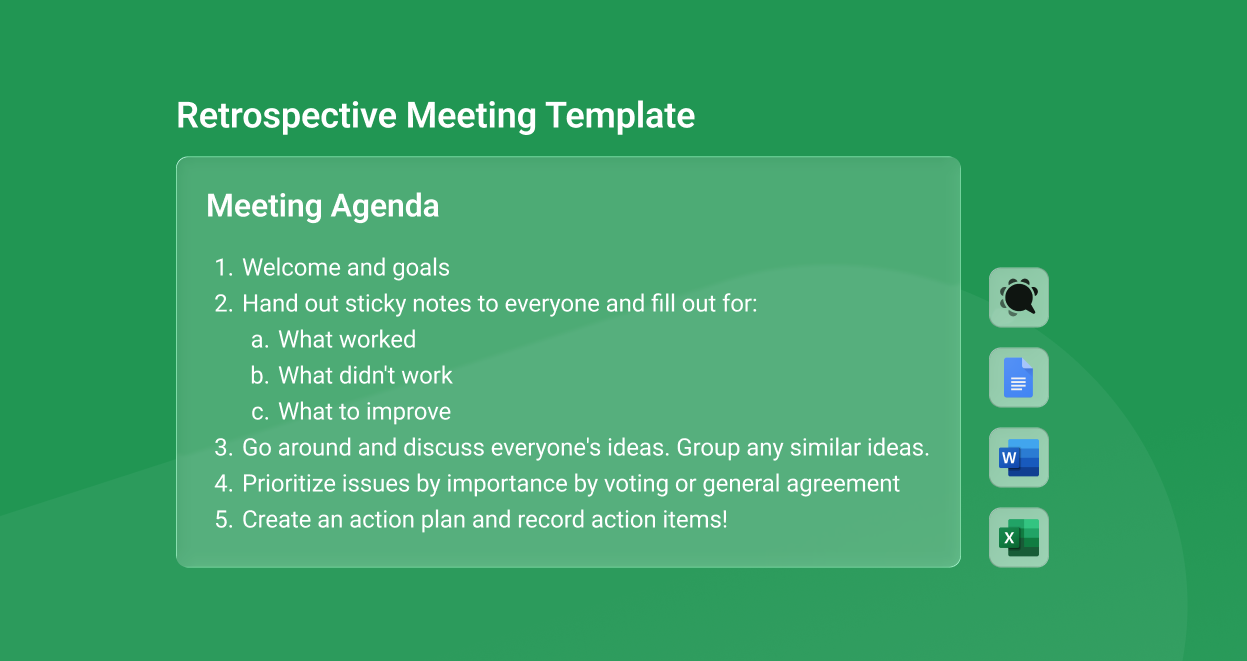
Meeting Agenda
The actual meeting itself should have a few key phases, which we list in the agenda. You can add notes about each agenda item and modify how much time you think each will take as needed, but we've provided a rough baseline for you to work with. Time-boxing each item is especially important for retrospectives, which have a habit of running long.
Welcome and goals (~5 min)
Open the meeting, restate that the retro is blameless and process-focused, and remind everyone of the goal: leave with a few concrete improvements. This is also the moment to quickly review the action items from last retrospective — did they actually happen?
Hand out sticky notes and reflect (~10 min)
Give everyone sticky notes (or a shared digital board) and have them individually fill out three buckets: what worked, what didn't work, and what to improve. Doing this silently and individually first means quieter team members aren't drowned out by the loudest voice in the room.
Discuss everyone's ideas and group them (~15 min)
Go around and have people share what they wrote. Cluster similar notes together so common themes become obvious — if five people independently flagged the same bottleneck, that's your signal.
Prioritize issues by importance (~10 min)
You can't fix everything at once, so vote or reach general agreement on the handful of issues worth tackling in the next sprint. Dot-voting — where each person gets a few dots or stickers to place next to the items they care about most — is a quick, fair way to do this.
Create an action plan and record action items (~15 min)
For each prioritized issue, decide on a concrete improvement, assign an owner, and write it down as an action item with a clear "what, who, and when." This is the single most important part of the meeting!
After the Meeting
The final thing you want to do once the meeting ends is store your notes somewhere safe and share them with your team, so everyone can look back on what was decided instead of having to ask around about outcomes. We have a separate blog post that goes into detail about the best practices for handling your meeting notes after the meeting is over, which you can read here: So you took notes during your meeting — now what?.
You can use these minutes to clue in people who couldn't make the meeting or new team members who want to quickly catch up on what the team has been working on. For retrospectives in particular, this record is what you'll review at the start of the next retro to check whether your action items actually got done.
Depending on how you write your notes, you may need to share them over email, or by using a cloud-based meeting platform like Knowtworthy you can share links to your minutes directly instead of keeping people up to date manually.
In this post we covered the basics of retrospective meetings and dove into a solid template to get you started. But as we mentioned above, there is no one-size-fits-all meeting template — and different types of meetings call for different templates. If your team runs the full Agile cycle, you might also want our daily standup template, our weekly sprint meeting template, or our detailed weekly sprint template to round out your sprint rituals.
So, if you're interested in other free meeting templates, check out the list of articles we've written on the subject here: meeting template articles. We also host a blog all about meeting and project management best practices that you can check out.
We'll be back with more articles like this one soon — so if you found this helpful, please feel free to subscribe or share the post!